
How do I auto-close the popup when an upsell is added to cart?
Upsell Now provides you the option to close the popup whenever there’s an engagement (add to cart/close button).
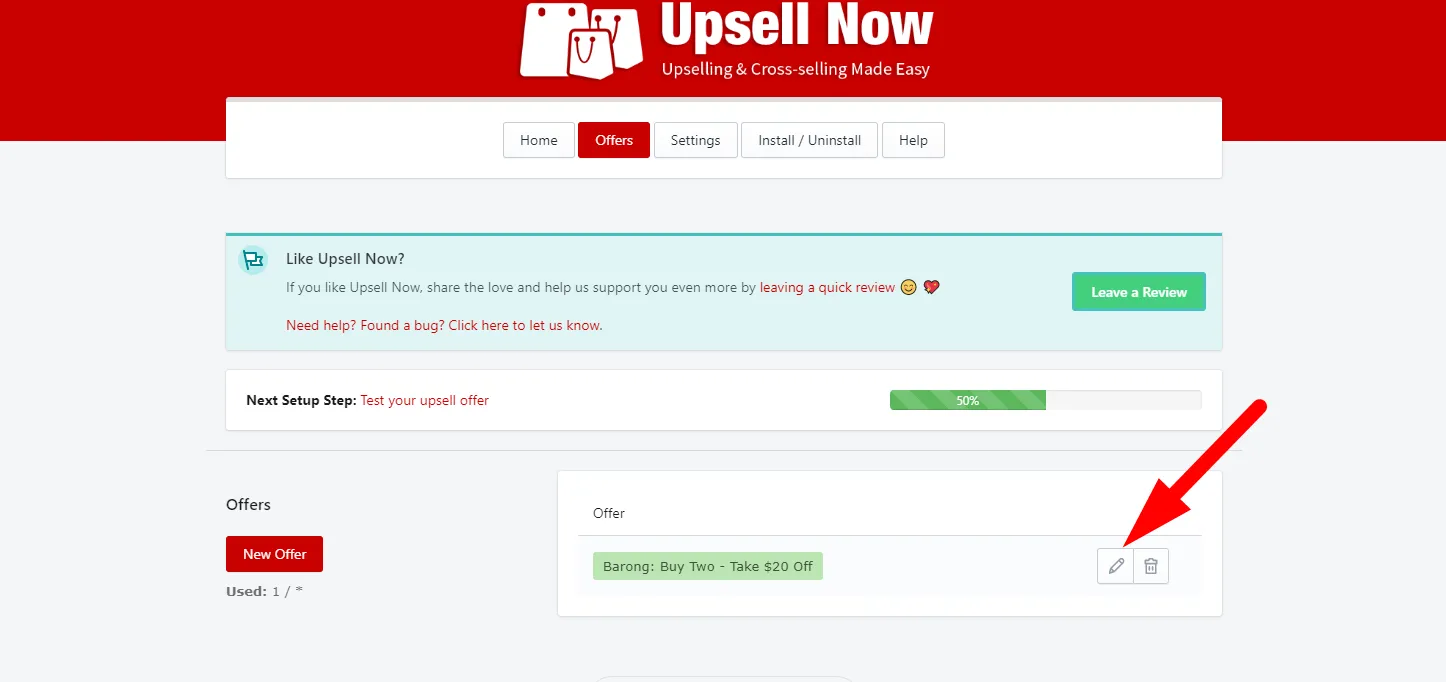
- Go to Offers and click Edit (pen icon).
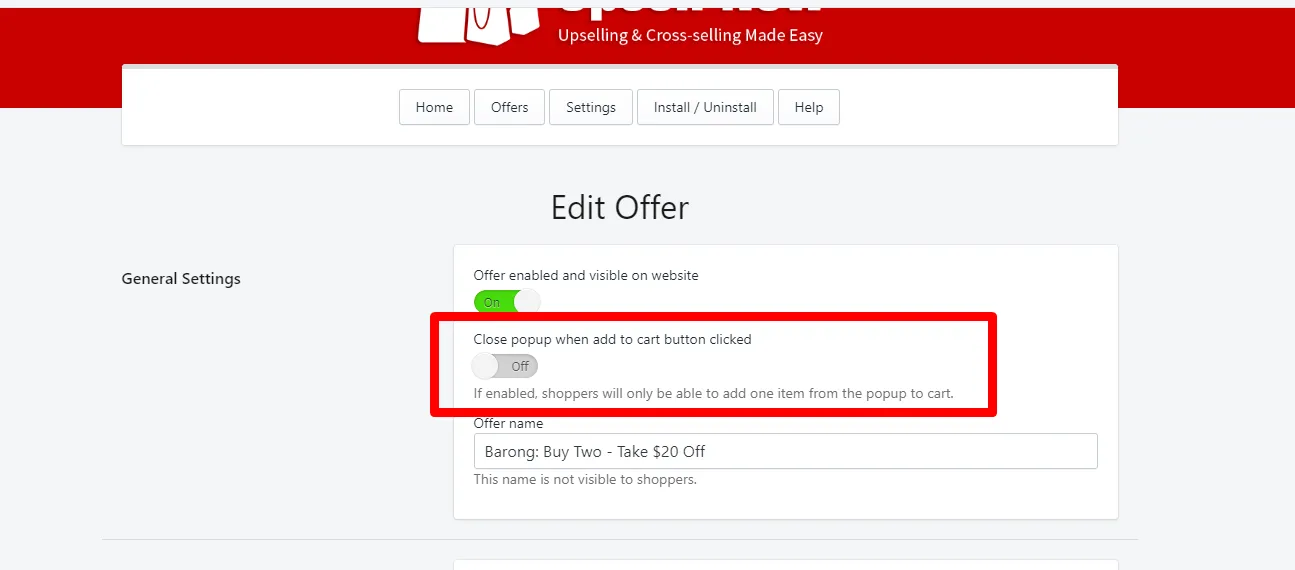
- Enable the toggle that says “Close popup when add to cart button is clicked”.
- Click Save.
Note: By default, this is set to off. The reason being is that some merchants would want their buyers to add more than one upsell product to their cart. Enabling this will prevent that behavior.
That’s all! Happy Upselling!