
Why is my heatmap still blank?
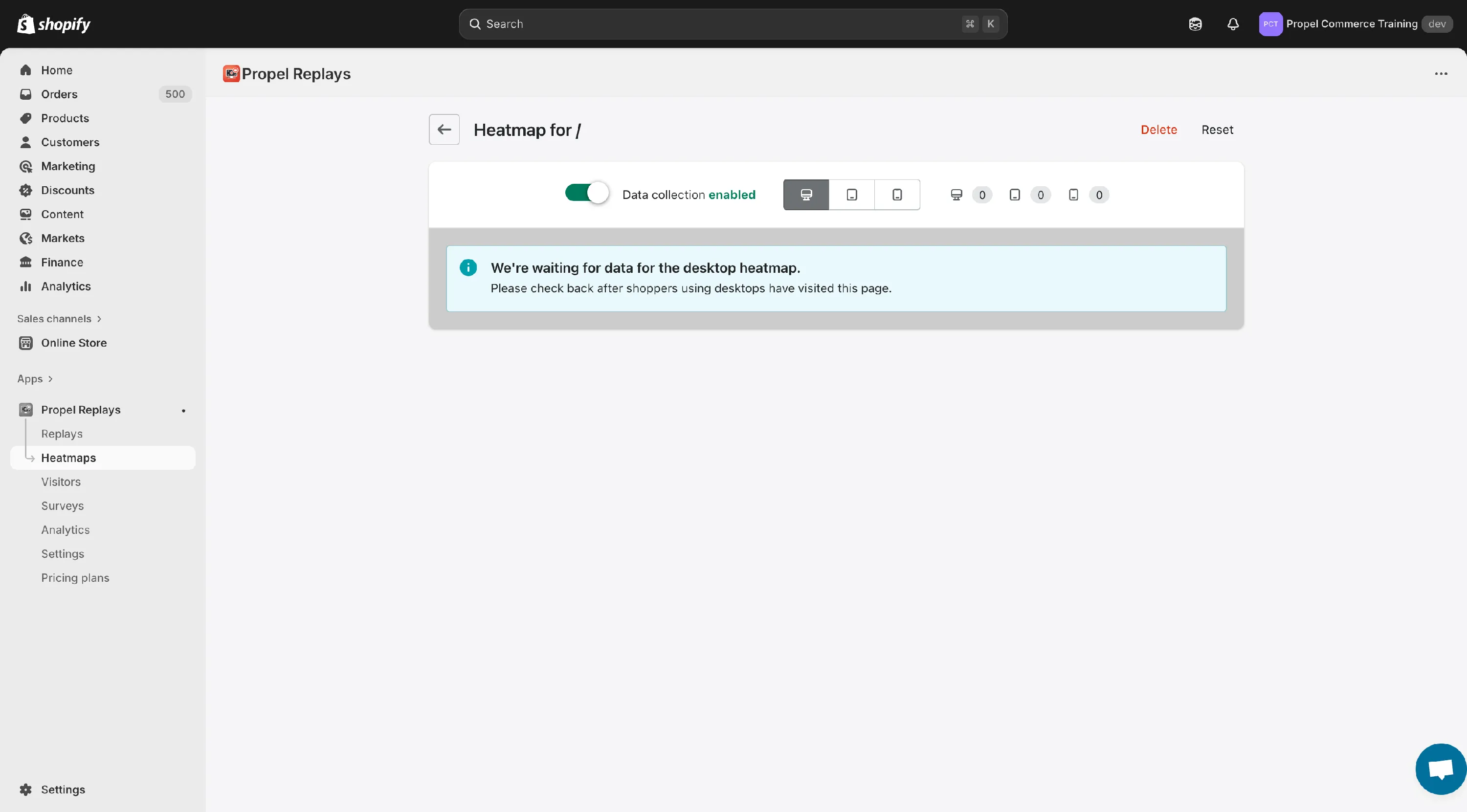
If you’ve created a heatmap and the page is still blank after 30 minutes, there are several possible causes:
-
Shopify is blocking our crawler (snapshot says
local_rate_limited): Since May 30, 2026, Shopify limits automated crawlers, including ours. If your heatmap’s snapshot is a blank white page with a single line of text sayinglocal_rate_limited, this is the cause. To resolve this, follow Heatmaps not capturing? Create a Shopify crawler access signature. -
Pages with dozens or hundreds of high resolution images: The page’s total size may exceed the memory capacity of our crawler and prevent screenshotting. To resolve this, temporarily reduce the number of images on the page then recreate your heatmap.
-
Bot blockers: If your site has a bot blocker installed, Propel’s crawler will be unable to access your site to take the screenshot. To resolve this, temporarily disable your bot blocker then recreate your heatmap, or generate a Propel crawler header token in Heatmap settings and add a firewall rule that allows requests carrying it.
-
Heatmap path is invalid: Heatmap paths cannot include your site’s domain. For example, to heatmap your homepage, / is correct. /mysite.com will not work. To resolve this, ensure your heatmap path is correct or ask our friendly support for assistance.
-
Shopify Checkout: Shopify Checkout is a secure environment and cannot be heatmapped. (This was previously possible for Shopify Plus stores. It is now impossible for all stores with Shopify’s new modern checkout system.)
If the steps above do not resolve your issue, please contact support@propelcommerce.io or open a live chat in the app.