
Why are replays laggy or jumpy on playback?
If playback appears jumpy, try adjusting these settings:
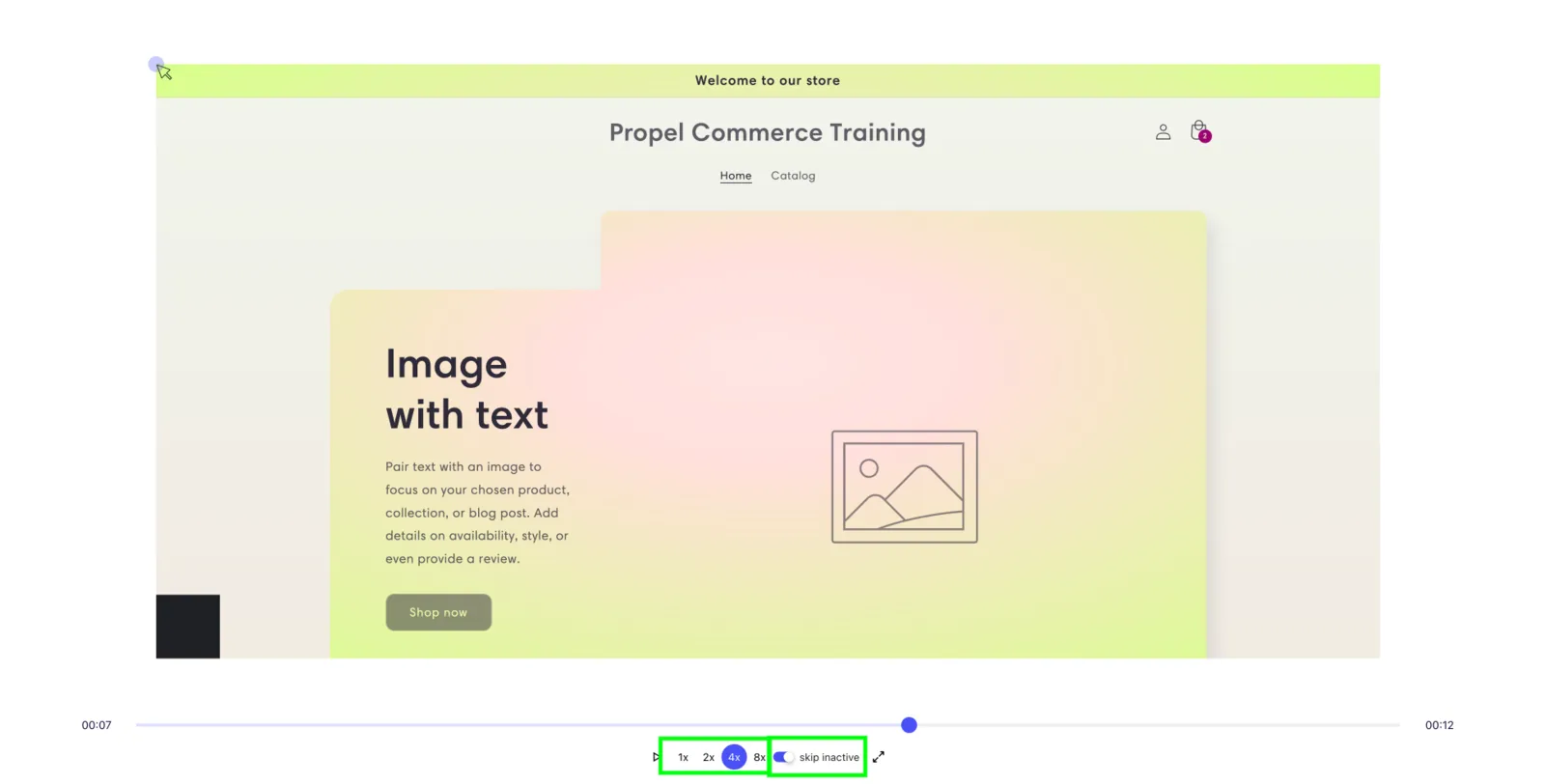
- Disable ‘Skip inactive’
- Set playback speed to 1x
Disabling ‘skip inactive’ should provide the most significant improvement (see screenshot below):
How Replays Work
Section titled “How Replays Work”The app doesn’t record video footage. Instead, it “records the site code, changes to the site code, and mouse movements.” During playback, these changes and movements are replayed on a miniature version of your website.
This approach significantly reduces bandwidth demands, but the app cannot control “how often the shopper’s browser tells us about changes to site code/mouse movements,” preventing frame rate control similar to traditional video recording.