How to duplicate a published theme?
- Login to your shop
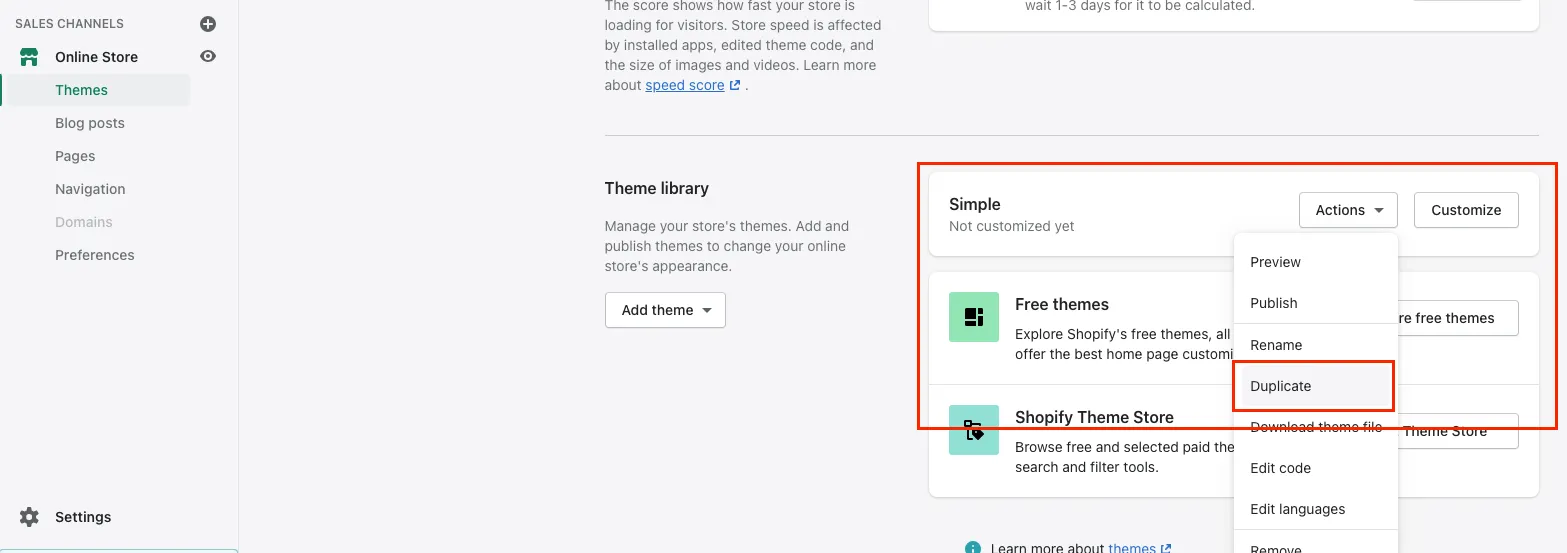
- Under SALES CHANNELS, click Online Store, then Themes
- Scroll down below to see what other themes are installed aside from the current theme
- In this example, Simple is installed. We’ll duplicate that.
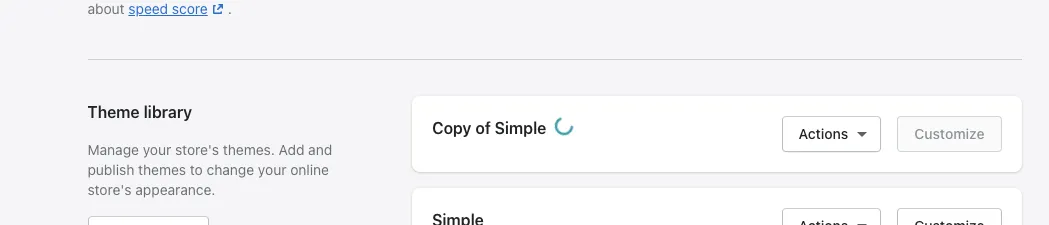
- It should create a new entry: Copy of Simple
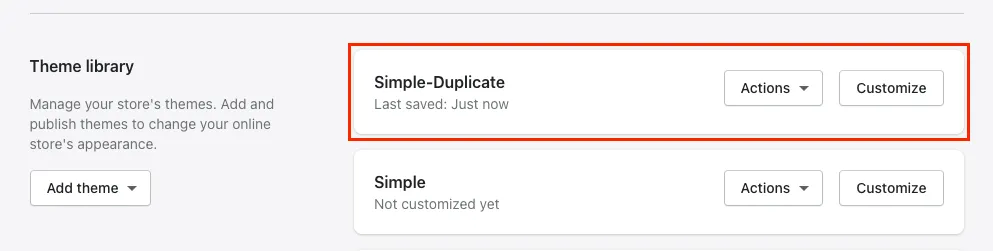
- (Optional) Rename with the original name together with a suffix. Ex. Simple-Duplicate. This will make it easier to identify when selecting themes from a dropdown.